Key points
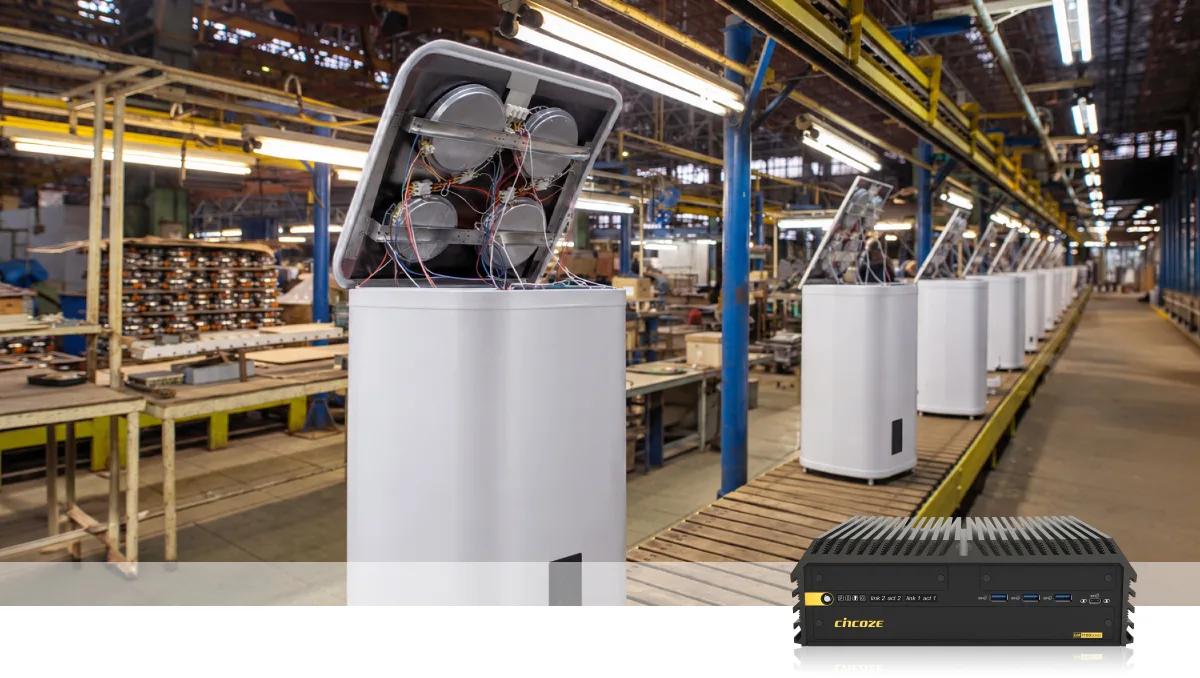
- The system recognizes boiler components from cameras on the line and logs each result. The logged result is what makes the recognition usable for traceability and quality management.
- Three requirements drove the hardware: real-time image processing, several cameras and displays, and a computer that fits an existing control cabinet.
- The configuration pairs a 14th Gen Intel Core processor with an NVIDIA RTX A2000 MXM GPU module in a 260 × 200 × 85 mm enclosure.
- PoE and network expansion depend on the selected configuration. Cincoze publishes no accuracy, inspection-rate or return-on-investment figure for this case.
Deployment Takeaway
A vision computer on a boiler production line has to fit the cabinet, connect the cameras, and turn images into usable production records. Those constraints shape the hardware decision alongside the AI workload.
Application Snapshot
Industry: Heating and hot water equipment manufacturing.
Customer: A Central European manufacturer, unnamed in Cincoze’s application story.
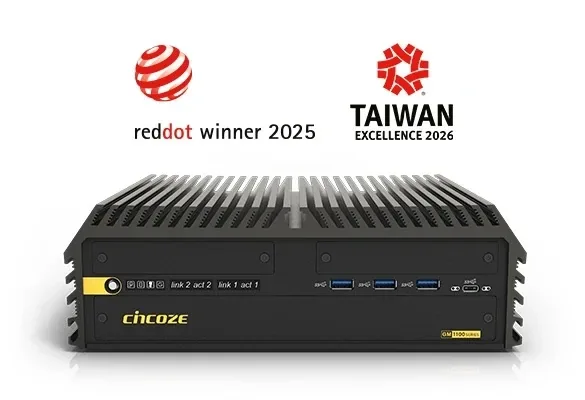
Computer: Cincoze GM-1100 embedded MXM GPU computer.
Workflow: Camera capture, component recognition, and logging of recognition results for traceability.
Why the Manufacturer Added Vision
According to Cincoze, the manufacturer introduced an intelligent recognition system to establish component traceability during boiler production. The project combined cameras on the line with local image processing and AI inference.
This case connects recognition with recordkeeping: identifying a component is one step; retaining its recognition result makes the information available for production traceability and quality management.
What the Installation Had to Accommodate
The source identifies three practical requirements: processing camera images in real time, integrating multiple cameras and displays, and installing the computer inside an existing control cabinet.
For a team evaluating a similar installation, those requirements lead to a useful review sequence. Confirm the image workload, map the camera and display interfaces, and then check the complete configured system against the space available in the cabinet.
Where the GM-1100 Fits
Cincoze describes a configuration using a 14th Gen Intel Core processor and an NVIDIA RTX A2000 MXM GPU module. The CPU and GPU handle image processing and inference at the production line.
The case also describes high-speed LAN connectivity, HDMI and DisplayPort outputs, and expandable PoE support. PoE and network expansion should be checked against the selected configuration; they should not be assumed to be included in every GM-1100 system.
The reported enclosure size is 260 × 200 × 85 mm. In a cabinet layout, allow additional space for connectors, cables, mounting hardware, and thermal management. That planning allowance is an application consideration, not a measurement of this customer’s installation.
What the Published Case Establishes
The documented workflow automatically recognizes components and logs the results. Cincoze presents this as support for traceability and quality management. It does not publish a recognition accuracy figure, inspection rate, defect reduction percentage, or return-on-investment calculation.
The lesson for manufacturing teams is to define the required production record as carefully as the recognition task. Before selecting hardware, establish what each image must reveal, what information the system must retain, and how operators will use the results.
Plan a Similar Installation
Bring your camera interfaces, image workload, cabinet layout, and display requirements to a hardware discussion. Confirm the CPU, GPU module, expansion options, power, and cooling requirements for the configuration you intend to deploy.
Explore the GM-1100 Series at Neteon, or contact Neteon to discuss your industrial vision project.
Based on Cincoze’s manufacturer application story, published September 22, 2026. The source does not identify Neteon as the integrator. Application imagery courtesy of Cincoze.