

TLDR
A working fleet monitoring setup needs two parts pulling together: a rugged in-vehicle computer that runs inference next to the cameras and sensors, and a cellular gateway that carries the results back to the office. This guide wires a POC-700 to a dual-SIM cellular router so a truck, bus, or service van keeps reporting even when one carrier drops out. Budget about half a day per vehicle for the first build, less once you have a template.
Wiring a POC-700 into a vehicle? Our power design guide on wide-range DC input and ignition control covers the electrical side.
Overview
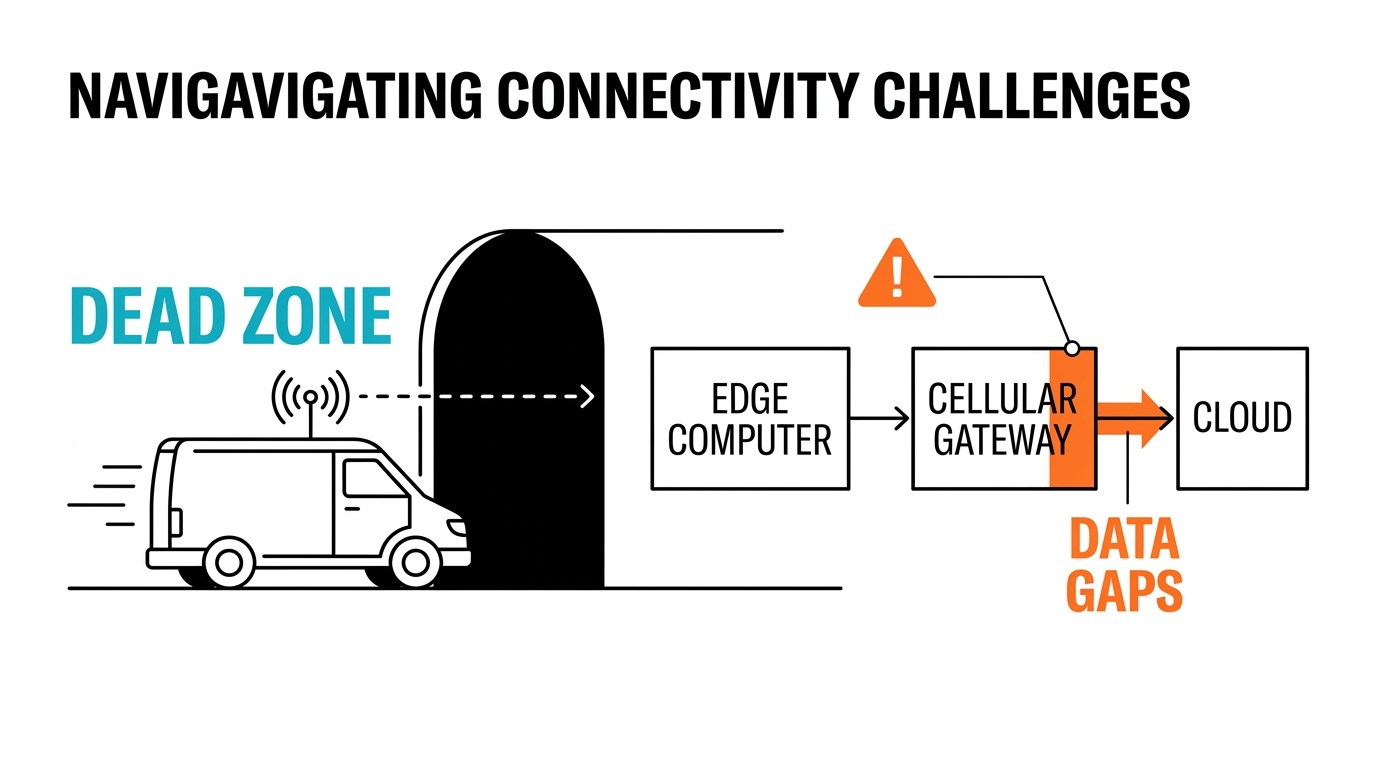
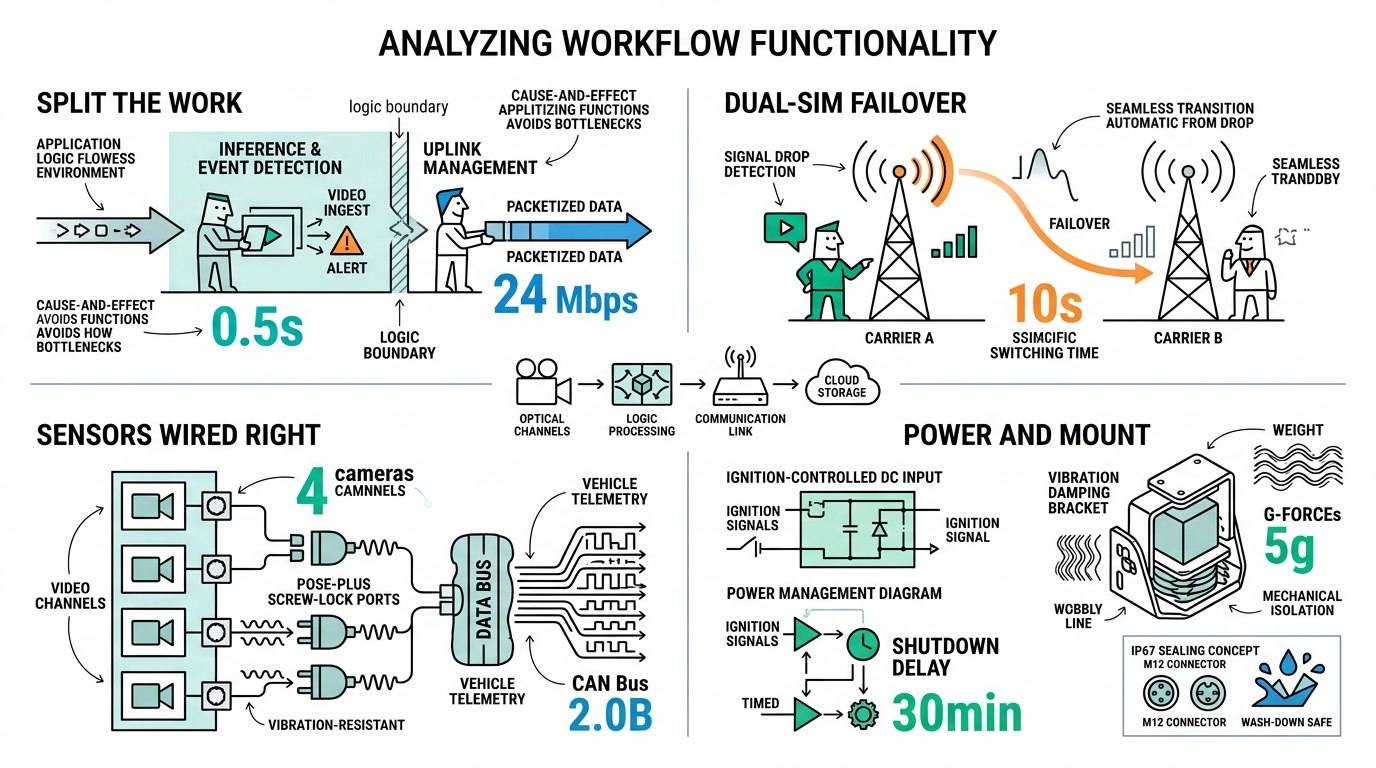
Fleets rarely fail because the compute is too slow. They fail at the link. A vehicle rolls through a tunnel, a SIM hits a dead zone, the dashboard goes blank, and after a week of gaps nobody trusts the numbers. The fix is simple: split the work. Let the edge computer handle perception and event detection on board, and let a purpose-built cellular gateway own the uplink, the carrier failover, and the VPN.
We looked at why fleets are moving compute onto the vehicle in our outlook on automakers embedding edge AI, and the fixed-site version of this pattern in our remote monitoring stack guide. If you have not settled on how the box talks to the cloud yet, read our MQTT vs Modbus TCP comparison first. This guide assumes MQTT and focuses on the physical and network build.
Components needed
| Component | Part | Role | Key spec |
|---|---|---|---|
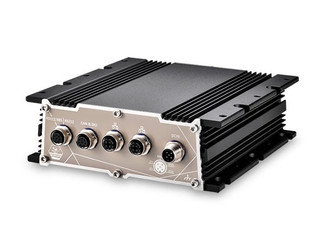
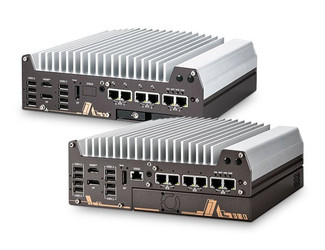
| Edge computer | POC-700 | On-board inference, camera ingest | 8-core i3-N305, 4x PoE+, mini-PCIe for LTE/CAN |
| Sealed alternative | POC-766AWP | Exposed or wash-down mounts | IP67, M12 connectors, 8-35V ignition control |
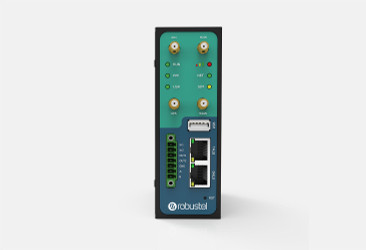
| Cellular gateway | Robustel R3000-4L | Dual-SIM uplink and VPN | 2x SIM, RS-232/485, DI/DO, 9-60V DC |
| Heavier compute | Nuvo-11000 | Multi-stream or NPU workloads | Core Ultra 200S, up to 36 TOPS |
| Power | Ignition-sensed DC | Clean boot and shutdown | Wire to vehicle ignition line |
The gateway brand is a preference, not a constraint. Neteon also stocks ASUS IoT and Teltonika cellular routers that fill the same slot, so pick the one your carrier and VPN policy already support.
Step-by-step setup
First, mount the computer. The POC-700 measures 64 x 116 x 176 mm, so it fits behind a seat or in an overhead console. For exposed mounts or vehicles that get hosed down, use the IP67 POC-766AWP with its M12 connectors instead. Fit the damping bracket and run the DC input through the vehicle ignition line so the system boots and shuts down with the key.
Next, connect the sensors. Cameras land on the four GbE PoE+ ports with their screw locks, which matters once the vehicle starts moving. Pull vehicle telemetry such as speed, fuel level, and fault codes over CAN bus through the mini-PCIe slot.
Then add the uplink. Place the Robustel R3000-4L on the 12/24V rail, load two SIMs from different carriers, and patch its LAN port into the POC-700. Bring up the gateway VPN back to your data center so each vehicle sits on a private subnet.
Configuration
Give the POC-700 a static address on the gateway LAN and set the gateway as its default route. On the gateway, mark SIM-1 primary and SIM-2 backup, with a signal threshold that triggers the switch before the link dies rather than after.
Run an MQTT client on the POC-700 and publish event topics, for example harsh-braking or detected-object, at QoS 1 so a flaky link does not silently drop messages. Turn on store-and-forward so events queue on local SSD during a dead zone and flush on reconnect. That single setting is the difference between a gap in the record and a complete trip log.
Testing and validation
| Test | Method | Pass criteria |
|---|---|---|
| Power cycle | Ignition off then on | Clean shutdown, reboot under 60 s |
| Carrier failover | Remove SIM-1 mid-trip | Uplink back on SIM-2 within 30 s |
| Dead-zone buffer | Block the antenna 5 min | Queued events flush, none lost |
| Vibration | Drive the real route | No reboots, no SSD errors |
| End-to-end latency | Timestamp a round trip | Event to dashboard under 2 s on LTE |
Run the drive test on the worst route you operate, not the parking lot. Vibration and carrier handoff only show up at speed.
Conclusion
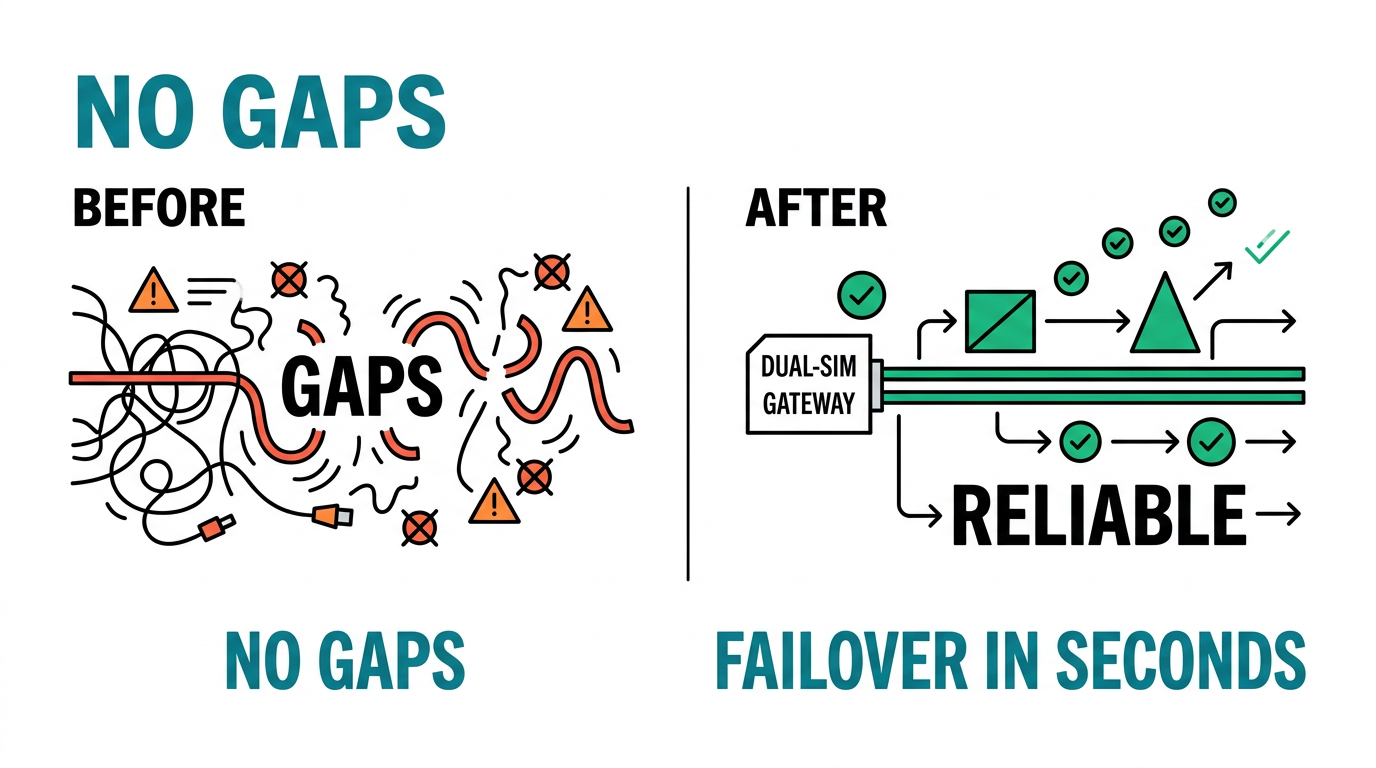
Keep the two jobs apart and a fleet stack stops being fragile: the POC-700 does the thinking on board, the gateway handles the link, and store-and-forward covers the dead zones. Follow Neteon on LinkedIn for more build guides, contact [email protected], or visit www.neteon.net for datasheets and a fleet pilot.
Related Products

FAQs
Related reading: What Is CAN Bus and CAN FD? A Guide for Vehicle Edge AI
Can the POC-700 handle cellular connectivity on its own?
The POC-700 has a mini-PCIe slot for an LTE or 5G module, so it can connect directly. A separate gateway is still worth it for fleets because it adds dual-SIM failover, a VPN, and a watchdog that keeps the link up without touching the compute box.
Why use a dedicated gateway instead of a USB cellular dongle?
A dongle has no failover, no VPN, and no surge protection, and it tends to drop under vibration. A device like the Robustel R3000-4L runs on the vehicle DC rail, holds two SIMs, and reconnects on its own.
What temperature range does this stack tolerate?
The POC-700 is wide-temperature fanless. For sealed or outdoor mounts the POC-766AWP is IP67 and rated -25 to 70 C, with M12 connectors that resist vibration and water.
Should the uplink use MQTT or Modbus TCP?
For event data over a cellular link, MQTT at QoS 1 with store-and-forward is the safer default. Modbus TCP suits polling fixed registers and does not buffer well across dead zones.
How many cameras can the POC-700 take?
It has four GbE PoE+ ports with screw locks, so up to four PoE cameras connect and draw power directly, which is enough for most single-vehicle perception setups.
Sources and further reading
Neousys POC-700 product specifications.
Related Neteon guides
Edge AI in Fleet Vehicles: 2026–2030 Outlook.
Remote Monitoring with Nuvo-9160GC and MQTT.
Browse the poc 700 topic hub for more deployment guidance.